Web app
Any screen. Your clock.
Open it in your browser, then add it to your Home Screen or install it from the browser menu. Works offline after the first visit.
Open the web appPut it on a TV or wall screenOld tablet and TV guideA place for prayer, on any screen
A calm clock with your local prayer times, a countdown to the next prayer and the call to prayer. Give a tablet, TV or spare screen a new purpose.
Open your clockFree. Choose your location, tap once to allow sound, and keep the clock open for the adhan.
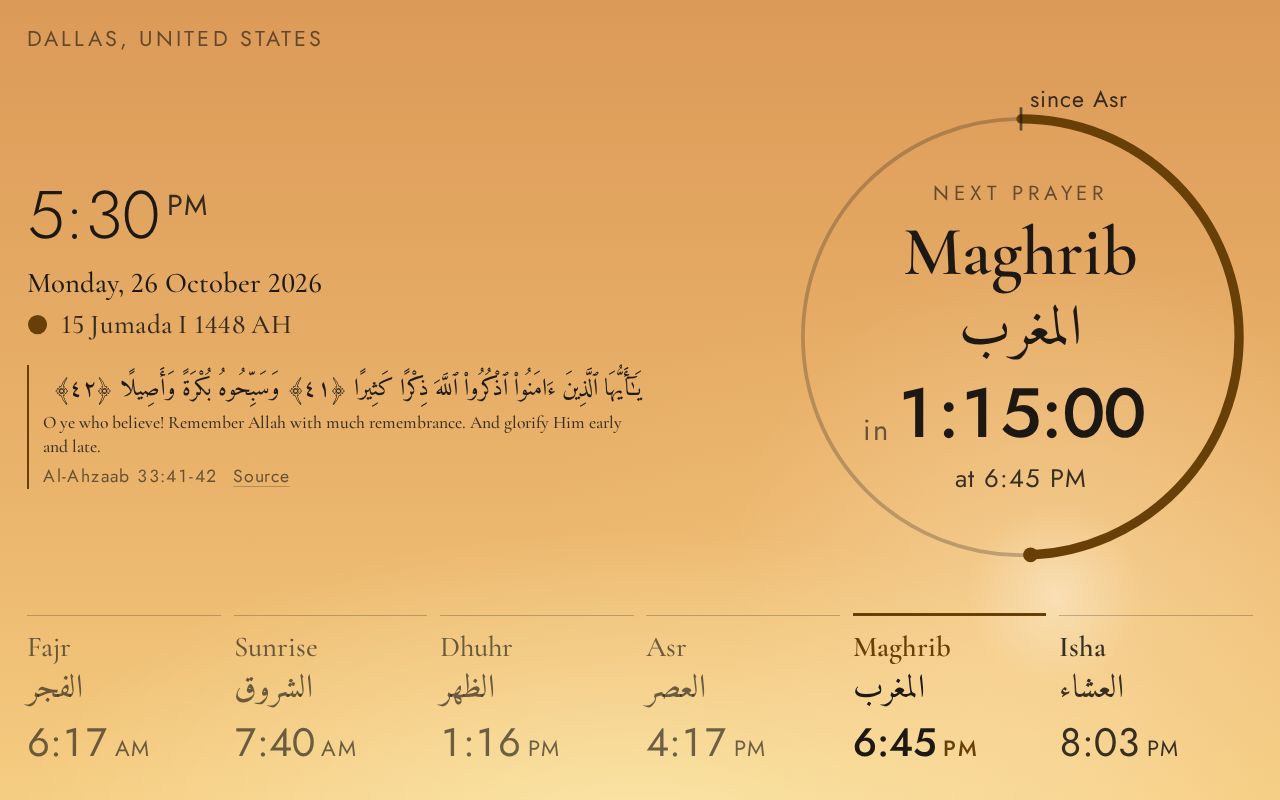
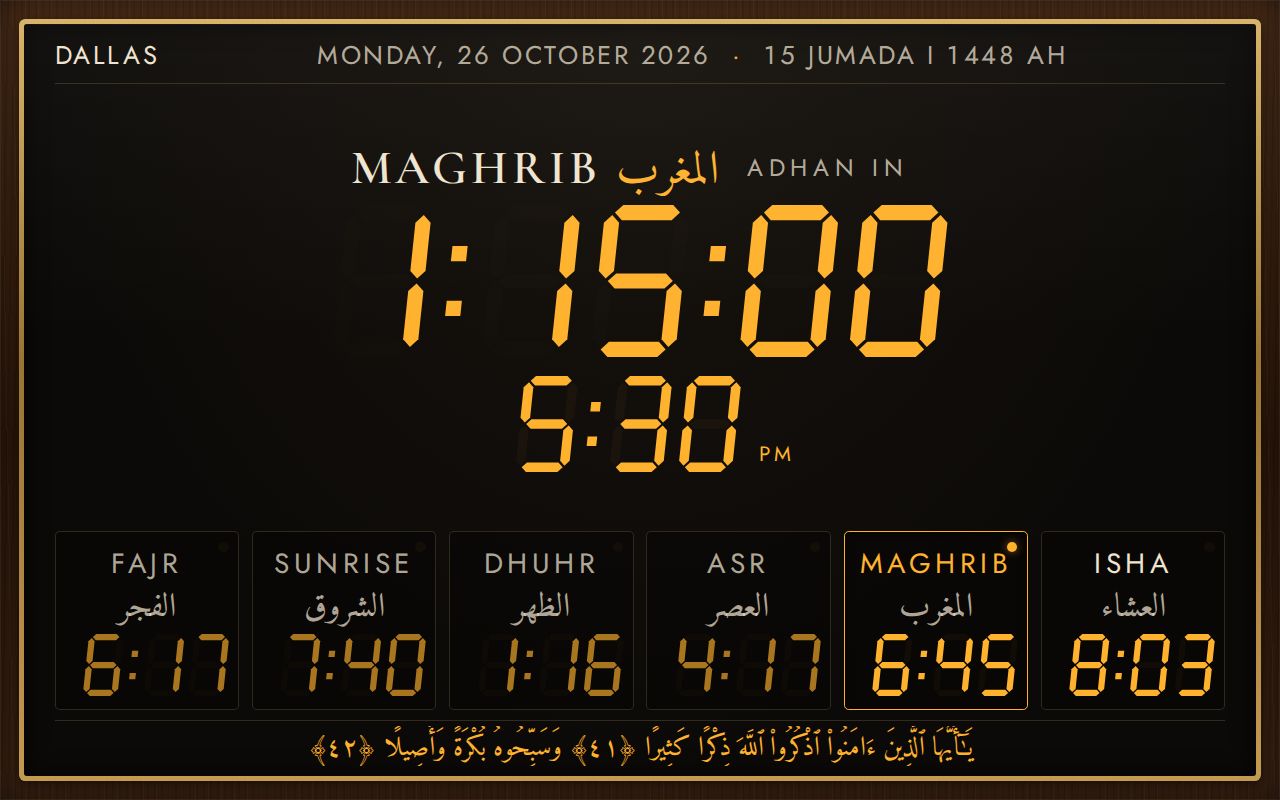
Web app
Open it in your browser, then add it to your Home Screen or install it from the browser menu. Works offline after the first visit.
Open the web appPut it on a TV or wall screenOld tablet and TV guideAndroid and Google TV
The Android app plays the adhan on the device and sends it to your Nest speakers at each prayer. Google Play listing coming soon.
Download the app (APK)Install on Google TVGoogle Nest
Nest Hub, Hub Max and Nest speakers play the adhan through the Android app on a phone, tablet or TV in the same home.
Set up Google NestAll setup guidesAlexa
For Echo and Echo Show. Live on the Alexa Skills Store (US). Say “Alexa, enable Adhan Clock”.
Alexa setup and statusAll setup guidesUse a screen with a supported browser. The device guide covers full screen, power and keeping the display awake. Physical device compatibility still needs testing.
Read the device guideThe web clock needs to stay open, awake and allowed to play sound. Tap to enable sound after opening it. Browser restrictions can prevent background playback.
Yes, with platform-specific setup. Nest audio needs a local sender; Alexa currently needs a development skill, account linking and a routine. These are separate from opening the web clock.
See what each platform requiresYes. Set your location, then open Settings to choose the method, Asr school and prayer adjustments that suit your community.
After the first load, the installed web clock caches its app and selected bundled adhans. Prayer times are calculated on the device.